
What Is Reverse Image Search? A Complete Beginner’s Guide

Have you ever questioned the source of an image you viewed online? Or maybe you wanted to find out additional details about a photo you saw. In this case, reverse image search is helpful.
I remember the first time this happened to me. I saw a beautiful computer table in someone’s home tour video. I paused the video, took a screenshot, and had absolutely no idea what to search. I typed “brown wooden computer” and got hundreds of useless results.
Then I discovered reverse image search. I uploaded the screenshot and found the exact computer tables product in under a minute.
That is when I realized how powerful the image search technique actually is.
What Is Reverse Image Search?
According to Wikipedia, reverse image search is a content-based image retrieval (CBIR) query technique. In this technique, you have to upload an image instead of a text-based search. Then the search engine finds similar images and related information for you.
Normal keyword-based search works with text, while reverse image search works with pictures.
How Does Reverse Image Search Work?
The process behind reverse image search is smart but easy to understand.
When you upload an image, the search engine breaks it down. It looks at colors, shapes, patterns, and objects in the picture. Then it creates a kind of fingerprint for that image.
It then contrasts this fingerprint with millions of other photos stored in its database. The closest matches are then displayed to you on the relevant search engine.
Different techniques are used by different tools. Google utilizes advanced AI to understand the contents of an image. TinEye keeps track of an image’s online appearances. Yandex is excellent at locating faces and places.
How to Do a Reverse Image Search?
Doing a reverse image search is easy. Here are three simple ways.
1. Using Google Images
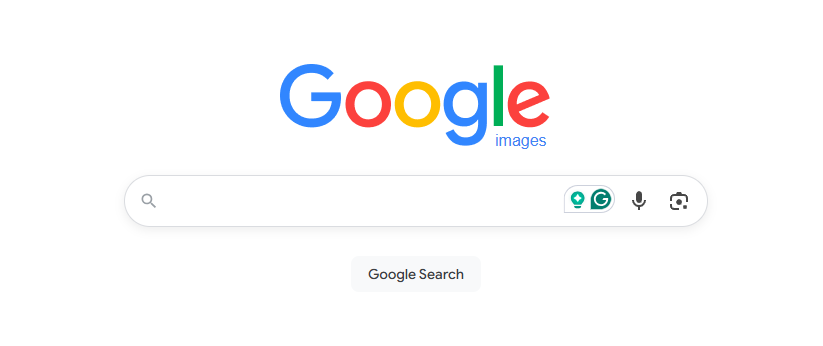
- First, open Google Images on your browser.
- Then click the camera icon in the search bar.
- After that, upload your image or paste an image URL.
- Google will then show you results in seconds.
2. Using TinEye
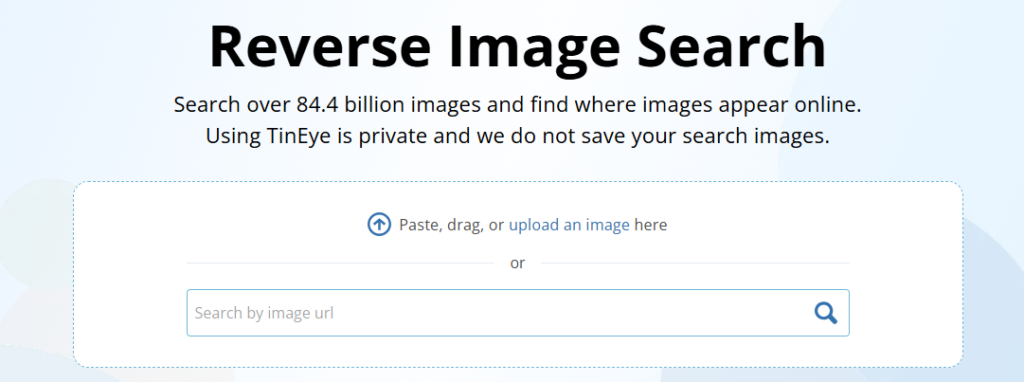
- Go to TinEye website.
- Upload your image or drag and drop it.
- TinEye will show you every website where that image has been used.
3. Using Yandex

- Open Yandex Images.
- Click the camera icon.
- Upload your photo and search.
- Yandex is especially good at finding results that Google sometimes misses.
4. Using Imagesearchtechniques.com
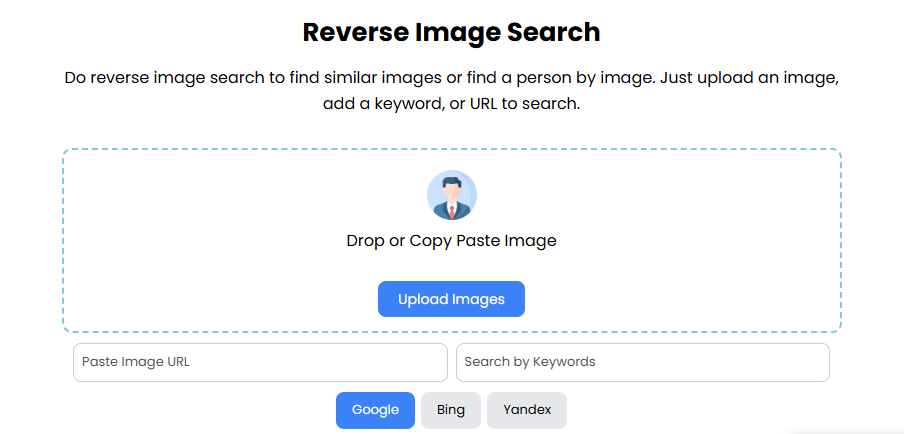
If you want fast results without switching between apps or websites, this is the easiest option.
- First, go to imagesearchtechniques.com/reverse-image-search.
- Select the search engine, i.e., Google, Bing, or Yandex
- Then upload your image or paste the image URL.
- The tool will show you results instantly.
No complicated steps. No account needed.
Why Does Reverse Image Search Matter?
Reverse image search is more useful than most people think. Here are some real reasons why it matters.
| Find the Original Source: | You can find out where an image originally came from. This is helpful for giving proper credit to photographers and creators. |
| Protect Your Own Images: | If you are a photographer or content creator, you can use reverse image search to check if someone is using your photos without permission. |
| Identify Unknown Products: | Saw something in a photo and want to buy it? Upload the image, and you can find that exact product online. |
| Verify Fake Profiles: | Many fake social media accounts use stolen profile pictures. Reverse image search helps you check if a profile photo is real or copied from somewhere else. |
| Find Higher Quality Versions: | If you have a low-quality image, reverse image search can help you find the same image in better resolution. |
Which Reverse Image Search Tool Should You Use?
Each tool has its strengths.
Use Google Images for general searches. It is the most powerful and understands image content well.
Use TinEye when you want to track where a specific image has been used online.
Use Yandex when you are searching for faces, people, or location-based images.
Use imagesearchtechniques.com for Quick and Easy Searches
Conclusion
Reverse image search is a simple but powerful search technique. It helps you find image sources, spot fake content, and protect your own visual work.
Whether you are a student, site owner, blogger, journalist, or photographer, this image technique is very useful for you. Try it once, and you will use it again and again.